Boardroom

Boardroom & Commercial AV

Meeting room and boardroom systems for Microsoft Teams and Zoom, with clear audio, good camera framing and one-touch joining.

Common meeting room problems

The most common problems are poor audio for remote participants, cameras that don’t show who is speaking, and meetings that take too long to start. We design each room to address all three.

Every room is planned around its size and how it is used: the right display for the farthest seat, a camera that frames the people rather than the table, microphones that cover every chair, and one touch panel that starts the meeting already in the calendar.

Fixing each of those problems

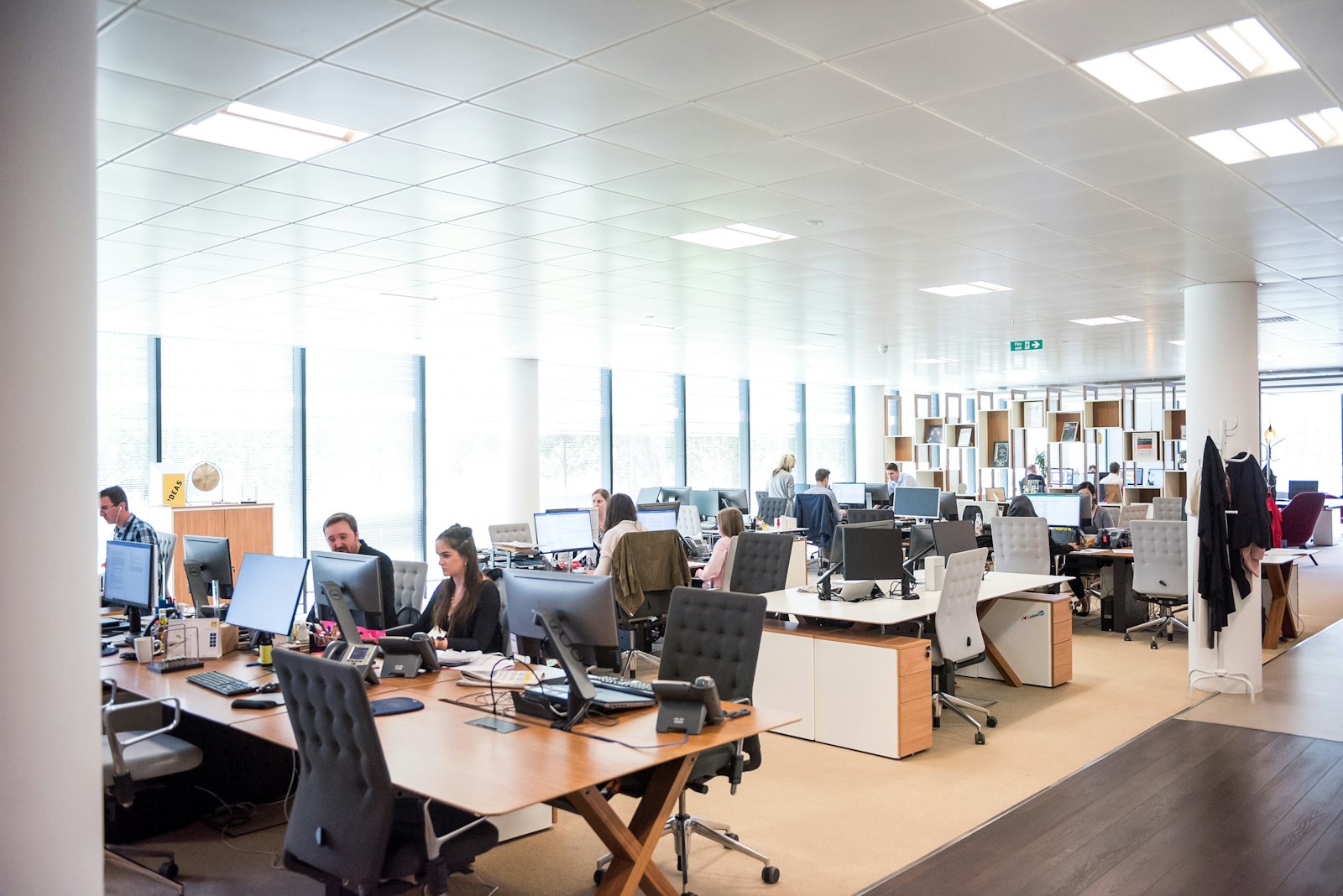
Office with meeting spaces
01

So they can hear you

Laptop microphones and a speakerphone in the middle of the table are the usual culprits. We use ceiling or table microphone arrays that cover every seat, with echo cancellation tuned for the room, and speakers placed so the remote voice sounds like it is in the room.

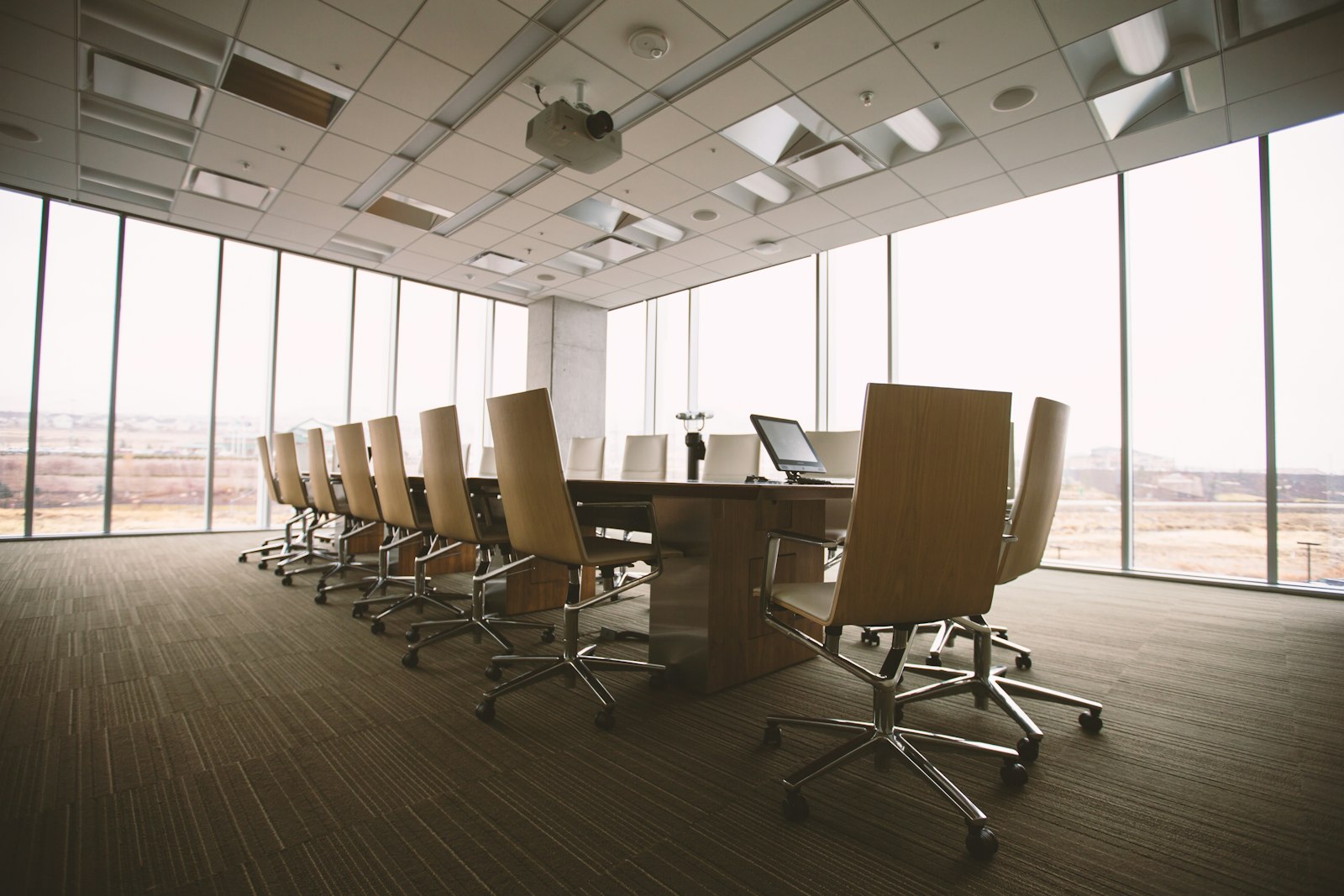
Boardroom table
02

So they can see who is talking

A single fixed wide shot makes everyone small and anonymous. Intelligent cameras frame the people in the room and follow the speaker; larger boardrooms can use more than one camera so the view switches cleanly to whoever is talking.

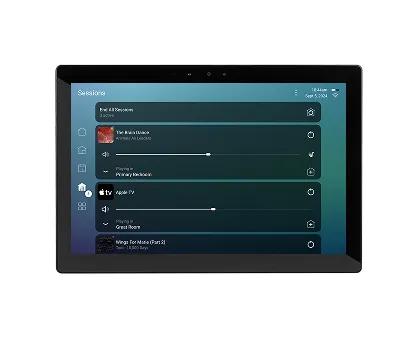
Touch panel
03

So it starts on time

Crestron Flex systems run Microsoft Teams Rooms or Zoom Rooms natively, in tabletop and wall-mounted versions. The touch panel shows the room’s schedule; one tap joins. Visitors share their laptop wirelessly without hunting for adapters.

Rooms we equip

Huddle and focus rooms

Two to six people. A video bar with built-in camera and microphones, one display and a small touch panel.

Conference rooms

Six to twelve people. Larger or dual displays, speaker-tracking camera and table or ceiling microphones.

Boardrooms

Multiple cameras, ceiling microphone arrays, lighting and shades on the same touch panel, finished to suit the room.

Training and multipurpose rooms

Rooms that divide and combine, with large displays or video walls, presenter audio and recording.

Beyond the meeting room

Video distribution

Crestron DM NVX sends 4K video between rooms, floors or buildings over the network.

Digital signage

Lobby screens, menu boards and room-booking displays, updated centrally.

Audio and lighting

Background music and paging, and Lutron or Crestron lighting with schedules and occupancy sensing.

Meeting rooms, in detail

Sizing the display

The display is sized from the farthest seat, not the wall it hangs on. If the person at the end of the table can’t read a spreadsheet, the screen is too small, and that is the most common shortcoming we see.

Larger rooms often benefit from two displays: one showing the remote participants and one showing the shared content, so neither has to shrink into a corner.

Audio and the room itself

Glass walls, hard floors and long tables make rooms echo, and microphones pick up every reflection. Ceiling microphone arrays focus on the people speaking, and echo cancellation removes the remote voices from what is sent back.

Where a room is particularly bright acoustically, a few well-placed acoustic panels make a bigger difference to call quality than any upgrade in equipment.

Cameras and framing

Intelligent cameras detect the people in the room and frame them, and speaker-tracking cameras follow whoever is talking. In wide or deep rooms, a camera at the front and another at the side keeps everyone in a good shot.

For teams that use whiteboards, a content camera can share the board with remote participants clearly.

Booking and scheduling

Room panels outside each door show whether the room is free and let people book it on the spot. Inside, the touch panel shows the next meeting and joins it with one tap.

Occupancy sensing can release bookings when nobody turns up, so rooms aren’t blocked by meetings that never happened.

Managing rooms remotely

Crestron’s XiO Cloud lets rooms be monitored and updated remotely: firmware, settings and alerts when a device goes offline. Many problems can be found and fixed before the next meeting rather than during it.

We work with your IT team or provider on accounts, licensing and network access so the rooms fit your existing setup.

The same experience in every room

When every room works the same way, staff don’t have to learn each one. We standardise the touch panel layout and joining process across your rooms, from the smallest huddle space to the boardroom.

A short training session for staff and reception covers joining, sharing and what to do when a visitor brings a different laptop.

Questions we are asked

We use Teams, but clients send Zoom invites. Will the room join both?

Yes. Teams Rooms and Zoom Rooms systems can join each other’s meetings. We set this up and test it with your accounts.

Do you work with our IT provider?

Yes. We coordinate network access, room accounts and licensing with your IT team or provider.

Can you fix a room that never worked properly?

Often without starting over. We can usually keep displays and cabling and replace the camera, audio and control that are causing the problems.

Book a room walkthrough.

We look at each room and send a written proposal.

Contact Us