Choosing the display
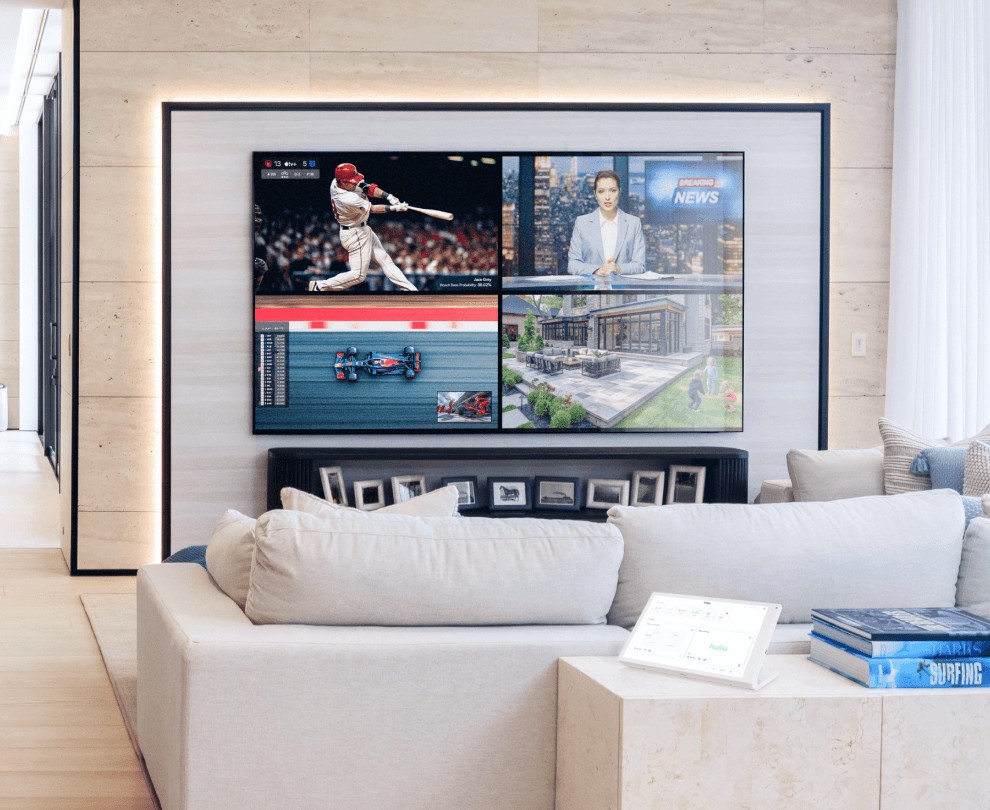
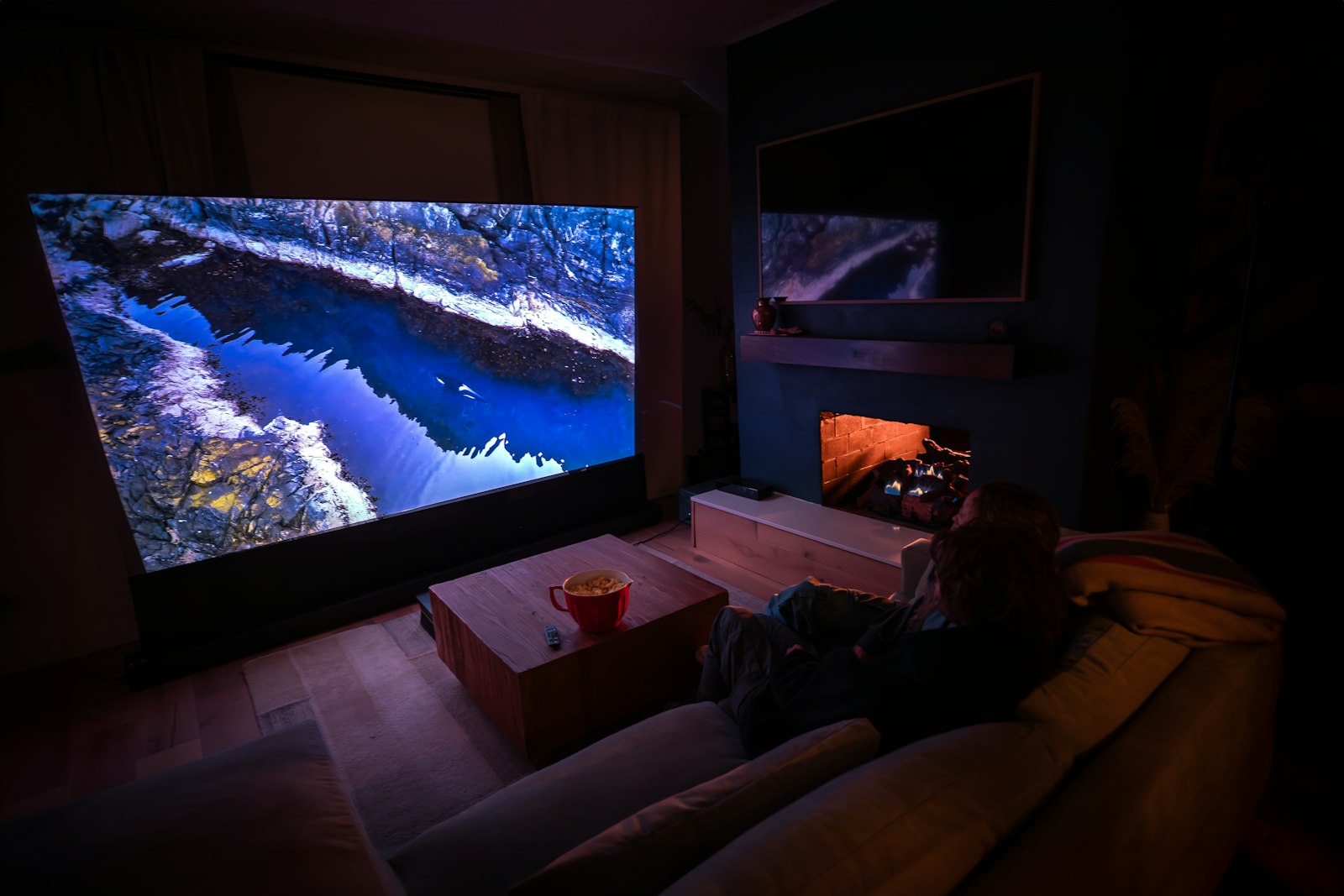
Large-format TVs have changed what a media room can be. OLED panels give the deepest blacks and suit rooms you can dim; mini-LED panels are brighter and hold up better in a sunny family room. Sizes from 85 to well over 100 inches are now common, and art-mode TVs look like a framed picture when they are switched off.
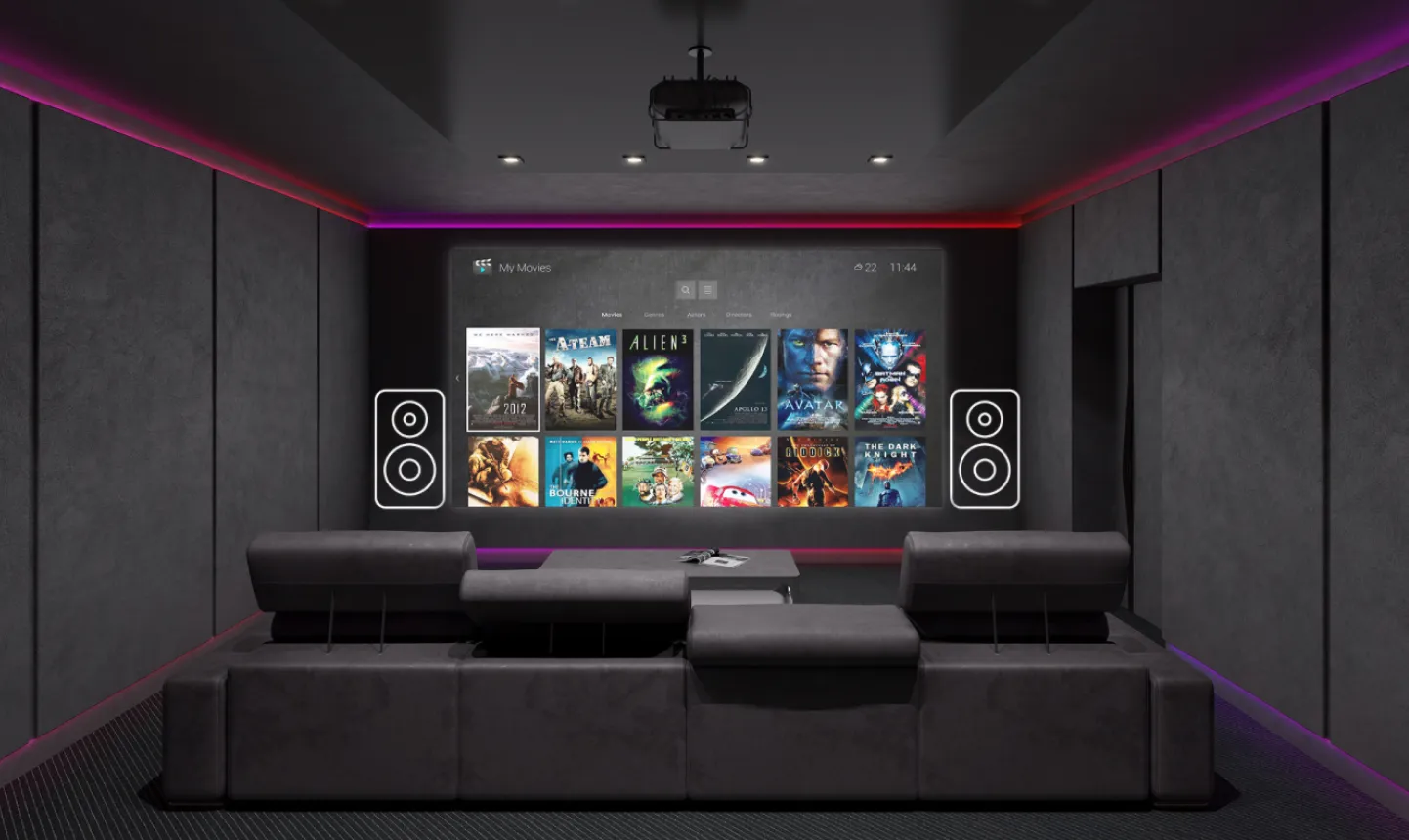
Projection still gives the biggest image for the money. 4K laser projectors start instantly and never need a lamp change. A ceiling-mounted projector fires from the back of the room; an ultra-short-throw model sits on a console just below the screen, which suits living rooms where a ceiling mount isn’t practical.
Screens and sizing
Fixed-frame screens give the cleanest edge in a dedicated theatre. Motorized drop-down screens disappear into the ceiling when the room is used for something else. Acoustically transparent screens let the front speakers sit directly behind the picture, so dialogue comes from the actors’ mouths.
In rooms that can’t be made fully dark, an ambient-light-rejecting screen keeps contrast up. As a guide, the image should fill roughly 30 to 40 degrees of your view from the main seat: wide enough to be immersive, not so wide that you are turning your head to follow subtitles.
Speakers and bass
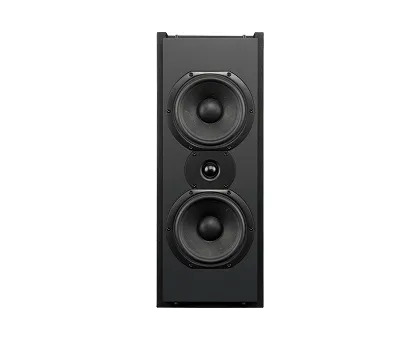
The three speakers across the front carry most of the dialogue and music, so they should be matched and placed at the same height around the screen. Surround speakers sit beside and behind the seats, and height speakers go overhead following Dolby’s placement guidance.
Bass is where most rooms go wrong. A single subwoofer usually leaves some seats booming and others thin. Two or more, placed and measured together, even out the bass across every seat, which matters more than adding more speakers elsewhere.
Electronics and sources
Media rooms usually run on a quality AV receiver. Larger dedicated rooms often use a separate surround processor and amplifiers for more power and control. Either way, room correction is measured with a microphone at the seats and then fine-tuned by hand.
Sources include Apple TV 4K and the streaming apps, Blu-ray, game consoles and dedicated movie servers for the highest-quality playback. Equipment lives in a ventilated rack in a closet or utility room, so nothing sits under the screen except what you want to see.
Lighting and atmosphere
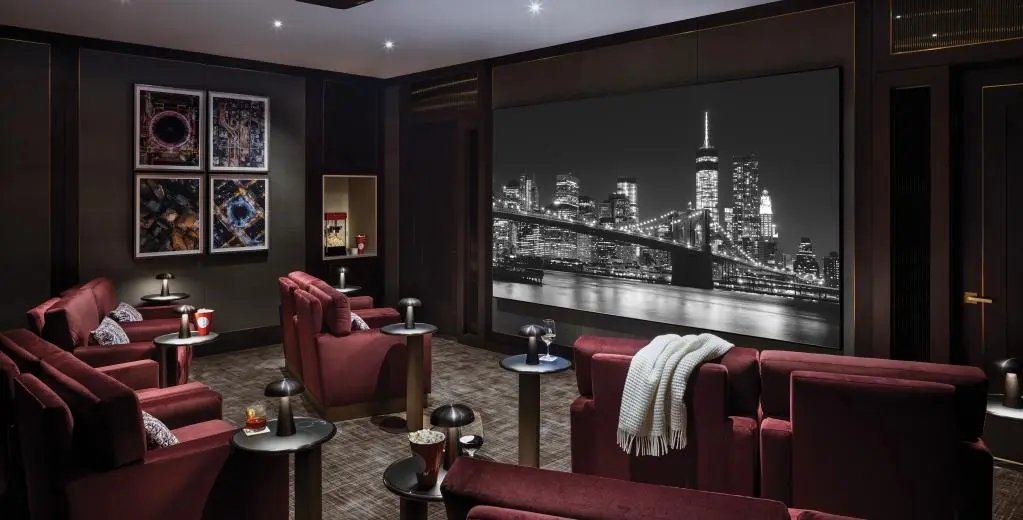
Theatre lighting sets the mood before the film starts and gets out of the way once it does: LED cove lighting, wall sconces, aisle and step lights, and fibre-optic star ceilings.
Everything is dimmed together in scenes. “Movie” takes the room almost to darkness, “Pause” brings up enough light to find the snacks without ruining your eyes, and “End” slowly brings the room back up.
Media rooms that are still living rooms
The most common request is a TV above the fireplace. It is usually too high for comfortable viewing, so we often recommend a pull-down mount that brings the screen to eye level for a movie and lifts it back when you are done.
Speakers can be mounted flush with the ceiling behind paintable grilles, equipment is hidden away, and motorized shades handle daytime glare, so the room still looks like a living room when the system is off.
Planning with your builder
If the walls are still open, the most valuable thing you can do is pre-wire. That means speaker wire to every location, conduit to the display and projector, network cabling, power for motorized screens and shades, and backing in the walls for heavy TVs.
We provide drawings showing every location so the builder, electrician and designer are working from the same plan, and we walk the site before drywall to confirm everything is where it should be.
After the install
We show everyone in the house how to use the system, then come back once you have lived with it to adjust scenes, levels and anything that isn’t quite right.
As equipment ages or new formats arrive, we upgrade individual components rather than starting again, because the cabling and design are already in place.