

Viewing security cameras on a phone

Cameras, Networking & Cabling

IP security cameras, business-grade Wi-Fi and structured cabling for homes and businesses.

A reliable foundation

Dropped calls, buffering video and cameras going offline are often caused by the network rather than the devices themselves.

We design and install the infrastructure properly: cabling that is labelled and tested, Wi-Fi planned for the building rather than a single router in a closet, and camera systems that record reliably and are easy to search when you need them.

Camera feed on a phone

Security cameras

IP cameras for homes, offices, retail, strata buildings and industrial sites, each placed for what you need to identify: faces at entrances, plates at gates, an overview of a yard. Night-vision and wide-dynamic-range models handle dark yards and bright doorways.

Footage records to a network video recorder on site, sized for the days of recording you need, commonly two to four weeks. Secure viewing on phones and computers, motion alerts for chosen areas, and privacy masking where views overlap neighbours. For new systems we install Luminys cameras and recorders.

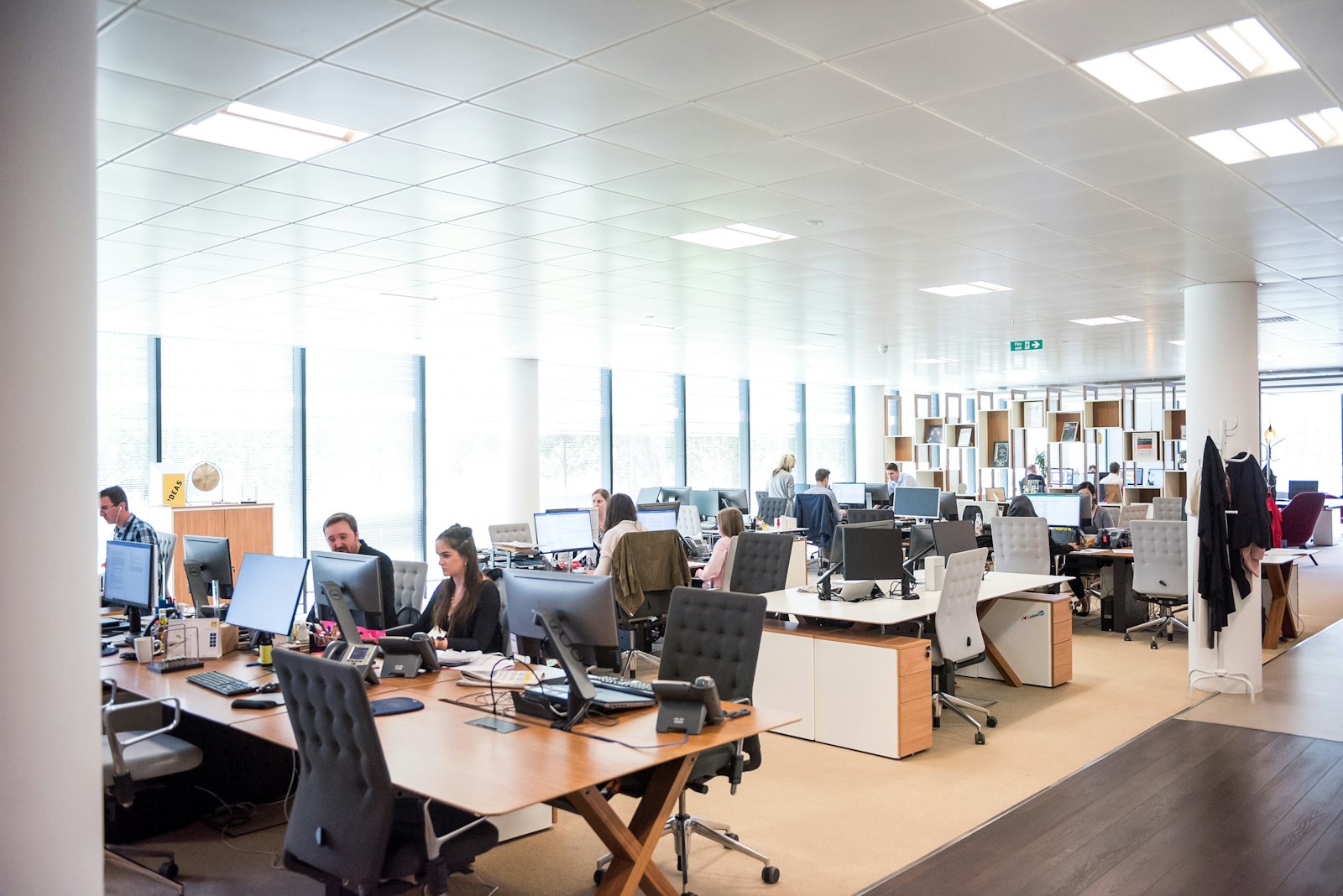
Office with wireless coverage

Networking and Wi-Fi

One consumer router can’t cover a large house or a busy office. We install wired access points where they are needed, managed switches and a business firewall, using Pakedge and Ubiquiti equipment.

Devices are separated onto their own networks, staff, guests, phones, cameras and smart home, which is better for both security and performance. Voice traffic is prioritised so calls stay clear.

Office fit-out

Structured cabling

Category 6 cable and fibre for offices, retail and homes, terminated in a labelled patch panel and tested. Phones, computers, Wi-Fi, cameras, access control and AV are planned together as one system rather than added piecemeal.

In new builds, cable goes in before drywall. In occupied buildings we route through ceilings and walls with minimal disruption, and leave every run documented.

Infrastructure, in detail

Designing Wi-Fi for coverage and capacity

Reliable Wi-Fi comes from several access points placed where people and devices are, each wired back to the network, so every room has a strong signal and no single point is overloaded.

Mesh systems that relay wirelessly between units are convenient, but each hop costs speed. Wired access points are the reliable choice for homes and offices that depend on their network.

Separating the network

Staff computers, guests, phones, cameras and smart home devices each get their own network segment. A guest can’t see your files, and a compromised smart device can’t reach your computers.

It also lets us prioritise the traffic that matters most, such as voice calls and video meetings.

Remote access, done safely

Cameras and recorders should never be opened directly to the internet. We set up secure remote viewing through the manufacturer’s app or a VPN, with strong passwords, updated firmware and individual user accounts.

A business firewall protects the whole network and gives visibility into what is connecting to it.

How much camera storage?

Storage depends on the number of cameras, their resolution, how much motion they see and whether they record continuously or only on events. Modern compression such as H.265 roughly halves the space needed.

We size the recorder for the retention you need, commonly two to four weeks, and leave room to add cameras later.

Cabling done to standard

Copper network runs are limited to about 100 metres, so larger buildings need network closets on each floor or fibre between them. Every run is terminated in a patch panel, labelled at both ends and tested.

Cable trays, sleeves and fire-stopping are installed where cables pass through walls and floors, which keeps the installation tidy and to code.

Racks and backup power

A properly built rack with cable management makes changes and troubleshooting quick. A battery backup (UPS) keeps the network, phones and cameras running through short power cuts and protects equipment from surges.

We document the rack and network so anyone supporting it later knows what is where.

Questions we are asked

Our Wi-Fi drops in parts of the building. Can you fix it?

Yes. We check coverage, then add or move wired access points and replace equipment that can’t keep up.

Can I view the cameras on my phone?

Yes. We set up secure remote viewing and show you how to find and export footage when you need it.

Our server room is a tangle of cables. Can you clean it up?

Yes. We re-terminate, label and document existing cabling, replace failing runs and leave a tidy, documented rack.

Need cameras, Wi-Fi or cabling?

Tell us about the property and what you need to cover.

Request a Quote