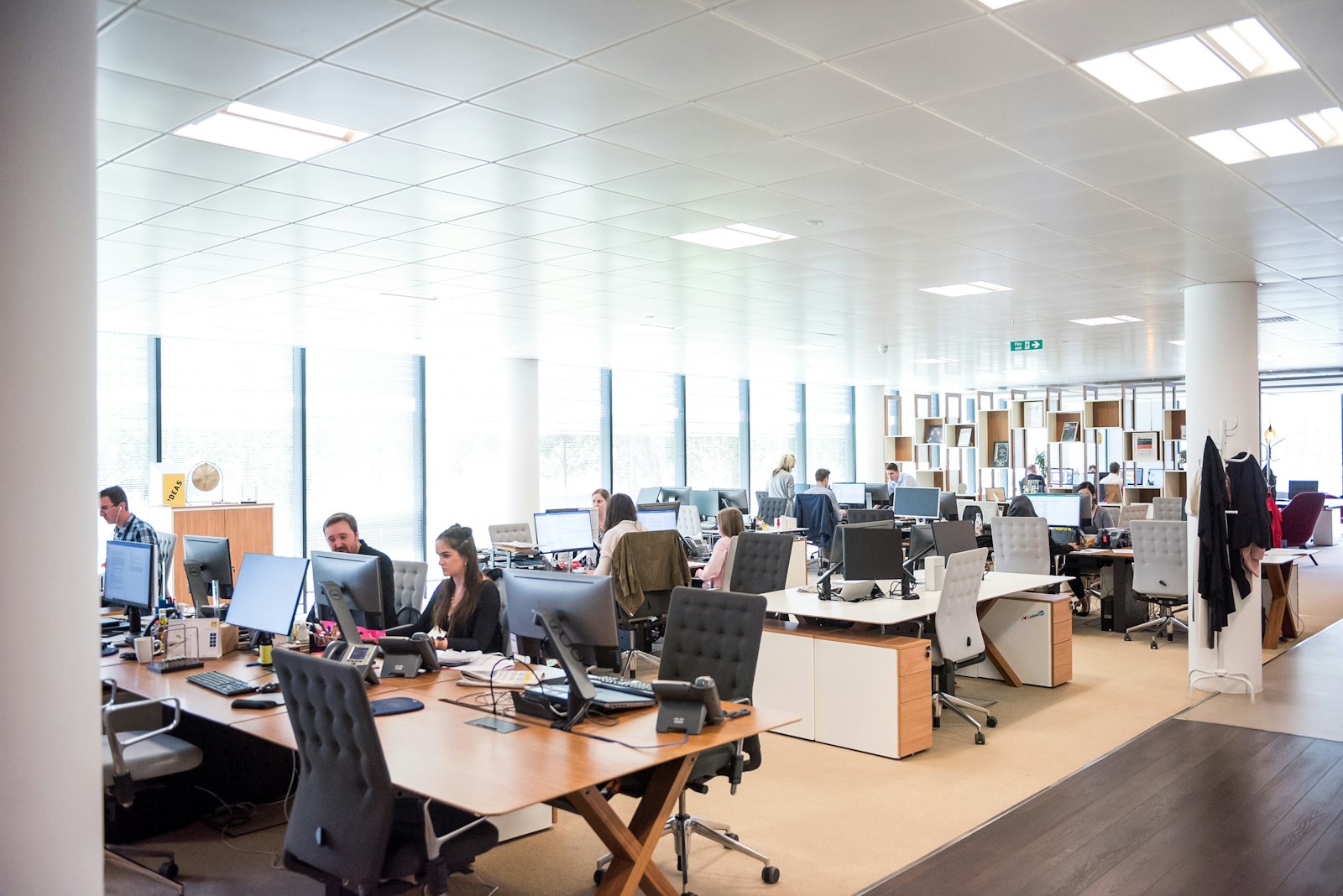





Open-plan office

Hosted VoIP Phones

Cloud phone systems for businesses, with Yealink and Snom phones, set up and supported by our team.

Your phone system, moved to the cloud

With hosted VoIP, the phone system lives in a secure data centre instead of a box in your office. Your phones connect to it over the internet.

There is nothing on site to buy, maintain or replace. You pay a monthly amount per user with the features included, and adding a person or an office is a settings change rather than new hardware. Calls ring desk phones, mobiles and laptops together, so the office number works wherever your staff are.

We set the system up, supply and configure the phones, move your numbers across, and stay your contact for every change afterwards: new starters, new hours, a new greeting.

Switching comes down to four things

Staff taking calls
01

Keeping your numbers

Canada’s number portability rules require your current carrier to release your numbers. We file the port request; local numbers usually move within one to two weeks once the paperwork is complete, and toll-free numbers can be ported too.

We schedule the cut-over for a quiet time and test before and after, so the change is as seamless as possible for your callers.

Office meeting room
02

How calls flow

This is where most of the value is. A greeting and menu route callers by department; ring groups ring a team together; queues hold callers with music until someone is free; after-hours and holiday rules switch automatically.

We map your current call flow first, then design one that sends calls to the right person faster.

Yealink SIP-T58W Pro
03

The phones on the desks

We match the phone to the job. Reception needs a large screen and busy-lamp keys to see who is on a call; most staff need a reliable everyday phone; some only need the mobile app.

We use Yealink and Snom business phones, delivered configured and labelled, and connected to your network ready to use.

Network and connected devices
04

The network carrying the calls

Each call uses roughly 100 kbps each way, which most business connections handle easily. Quality problems come from busy networks, not slow ones, so we prioritise voice traffic so calls stay clear when someone starts a large upload.

Desk phones are usually powered through the network cable. We check your switches, add power where needed and run cable to new desks.

The phones we deploy

Yealink
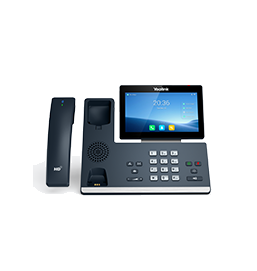
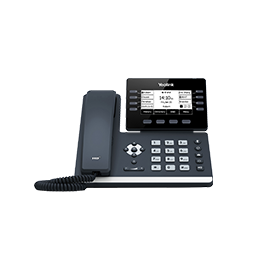
Yealink SIP-T58W Pro

SIP-T58W Pro

Large touch screen. Reception and executives.

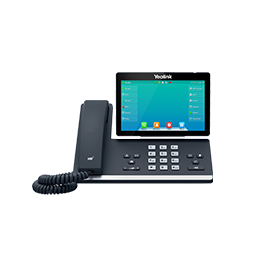
Yealink SIP-T57W

SIP-T57W

Adjustable touch screen with Wi-Fi and Bluetooth.

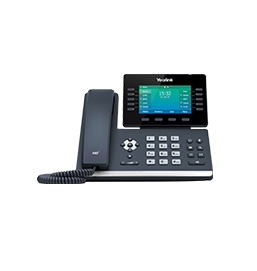
Yealink SIP-T54W

SIP-T54W

Colour screen and programmable keys.

Yealink SIP-T53W

SIP-T53W

The reliable everyday desk phone.

Snom
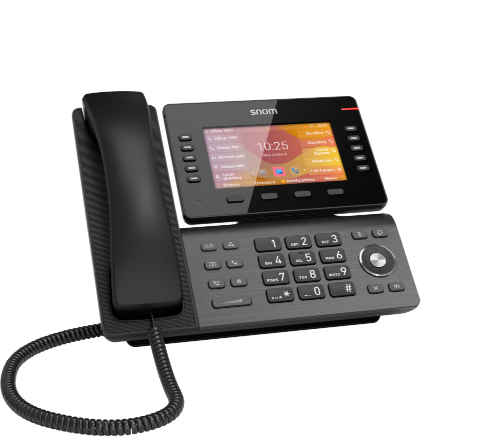
Snom D865

Snom D865

Premium phone with a large colour display.

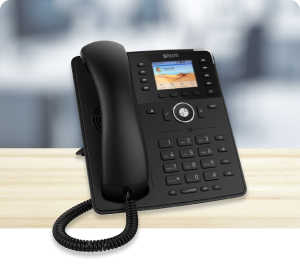
Snom D735

Snom D735

Colour display and programmable keys.

Hosted VoIP, in detail

Everyday features

Beyond the auto attendant and ring groups, the everyday features are what staff notice: transferring a call with one key, parking a call so anyone can pick it up, three-way conferencing, overhead paging, and busy-lamp keys that show at a glance who is already on the phone.

Hot-desking lets staff log in to any phone and get their own extension, which suits offices where people don’t sit at the same desk every day.

Working from anywhere

The mobile and desktop apps put your office extension on a smartphone or laptop. Calls show your business number, not a personal mobile, and you can transfer them back to colleagues in the office as if you were at your desk.

This helps with hybrid work, site visits and after-hours calls, and staff don’t need to give out personal numbers.

Choosing the hardware

Most staff need a reliable desk phone. Reception benefits from a large screen and extra keys, or an expansion module beside the phone. Warehouses and retail floors often suit cordless DECT handsets that roam across the building.

Meeting rooms get a conference phone with microphones that cover the whole table, and headsets make long call days easier for customer-facing teams.

Fax machines, alarms and elevators

Not every line in a building is a person. Fax machines, alarm panels, elevator emergency phones and door entry systems often still use traditional phone lines.

We identify these during the review. Some can move to the new system through an adapter; life-safety lines such as alarms and elevator phones are often better on a dedicated line or cellular communicator. We plan them so nothing is left disconnected on switch-over day.

How pricing works

Hosted VoIP is usually priced per user per month, with features included. Phones are a one-time purchase, along with setup and installation.

Compared with a traditional system, there is no large upfront PBX cost, no maintenance contract on a box in the server room, and growing or shrinking the team changes the monthly bill rather than the hardware.

After you switch

Changes happen all the time: new staff, holiday hours, a new greeting, a team that needs its own ring group. We make them for you, usually remotely and without anyone visiting.

If something needs attention, you call our team directly.

Questions we are asked

What happens if our internet goes down?

Calls automatically forward to mobiles or another number, and staff can keep working on the mobile app over cellular data.

Can we reuse our existing phones?

Many standard SIP phones can be reconfigured. Phones locked to a previous provider usually need replacing; we check your models first.

Can you do the cabling and Wi-Fi as well?

Yes, in the same project. See networking and cabling.

Get a hosted VoIP quote.

Tell us how many people and locations you have and what you use today.

Get a Quote