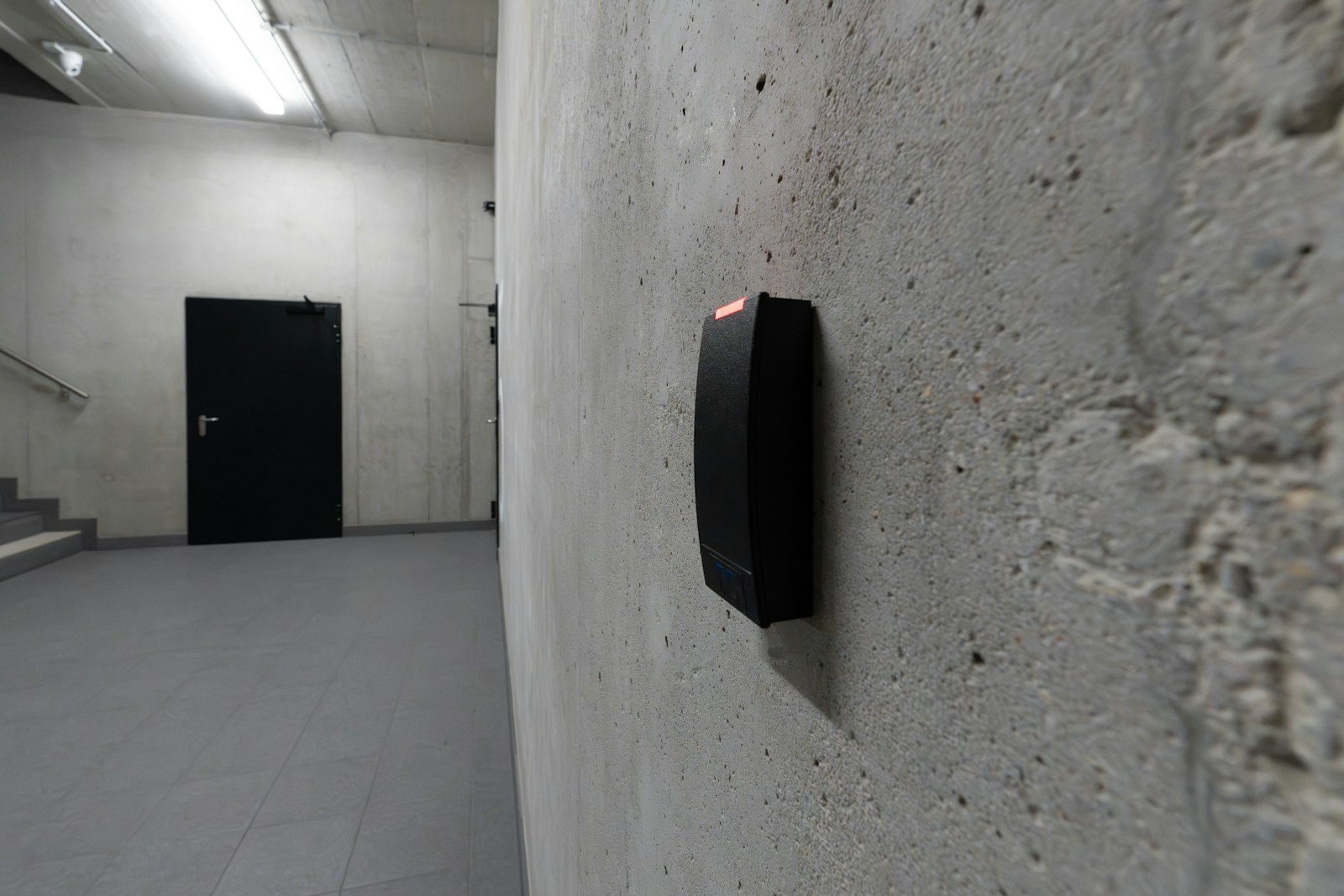
Card reader beside a secure door

Access Control

Card, fob, PIN, mobile and biometric access for offices, strata buildings and commercial properties.

Why replace keys

With keys, it is hard to know who has one. Access control replaces them with credentials you can issue, limit and cancel in seconds, and a record of every door opened.

Each controlled door has a reader outside and an electric lock. When someone presents a fob, card, code or phone, a controller checks it against the rules you set, who, which doors and when, and releases the lock. Contractors’ access ends on their last day automatically. The parkade opens for residents only. The server room opens for two people.

Every door is three decisions

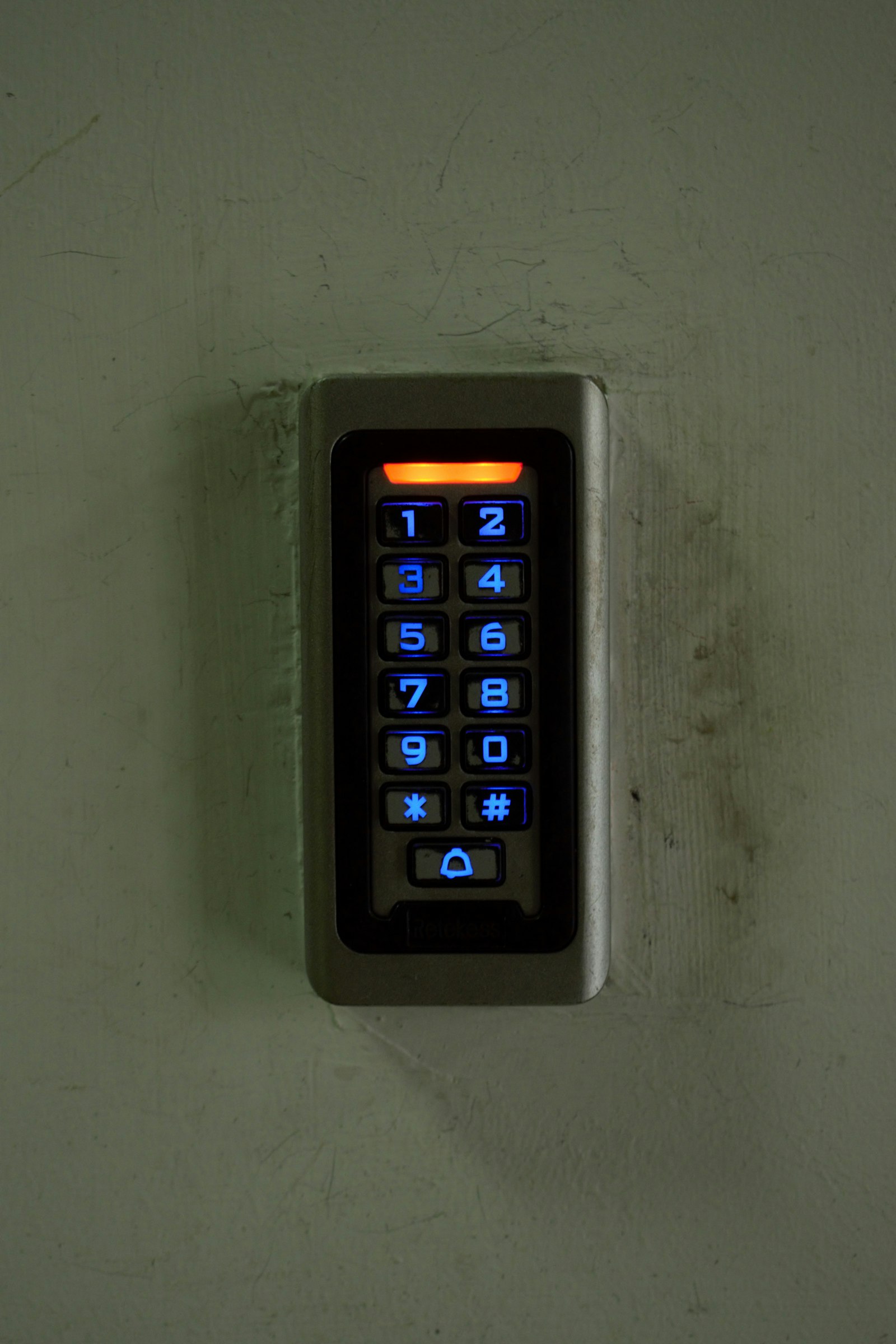
Access keypad
01

How people prove who they are

Fobs and cards for most people; PIN codes for deliveries and trades; mobile credentials on a phone so there is nothing to lose; fingerprint or face readers for rooms where a lent fob isn’t acceptable.

Many older proximity fobs can be copied in seconds at a kiosk. If your building still uses them, moving to secure encrypted credentials is usually the first upgrade we recommend.

Reader beside a door
02

What holds the door

Electric strikes, magnetic locks and electrified locksets or panic bars, chosen for the door, the frame and how it is used. A glass storefront, a steel stairwell door and a suite entry each need different hardware.

Fire-rated doors must keep their rating, so we use listed electrified hardware rather than modifying existing locks.

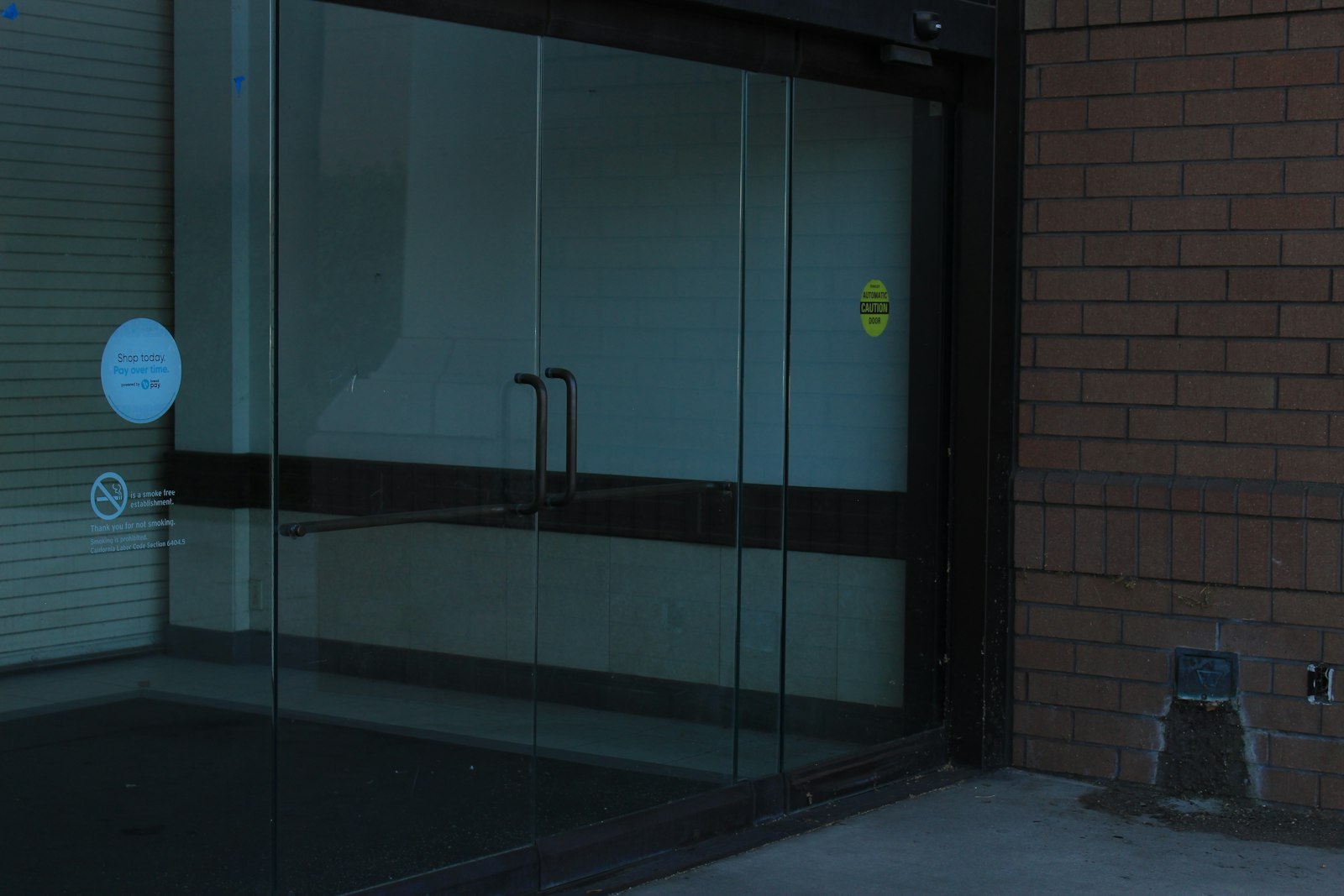
Building entrance
03

What happens in an emergency

A lock on an exit route must never trap anyone. Fail-safe locks release when power is lost; fail-secure locks stay locked from outside but always let people out from inside.

Magnetic locks are always fail-safe, and on egress doors they typically need a motion sensor that releases as someone approaches, a separate exit button, and release by the fire alarm. We design each door to the fire code and coordinate the fire alarm tie-in with your alarm contractor.

Where we install it

Offices

Front doors, suites, server and records rooms, with staff schedules, visitor access and after-hours lockdown.

Strata and condos

Lobbies, parkades, gyms, amenity rooms and elevator floors, with fobs managed by the strata or property manager.

Commercial and industrial

Warehouses, yards, shops and multi-site businesses, all managed from one system.

Access control works best with the rest of the entrance: intercom for visitors, power door operators for accessibility, and cameras to see who used the door.

Access control, in detail

Cloud or on-site?

Cloud-managed systems are run from a web browser or app, from anywhere, with software updates handled for you. They suit property managers who look after several buildings and businesses without in-house IT.

On-site systems run software on a local server. They suit sites with strict IT policies or no reliable internet. Either way, the door controllers keep working on their own if the connection drops.

Credential security

Older 125 kHz proximity fobs and cards carry no encryption, and many can be copied at a kiosk in a mall in seconds. Modern 13.56 MHz smart credentials, such as MIFARE DESFire and HID iCLASS SE, are encrypted and far harder to clone.

Mobile credentials on a smartphone are encrypted too, and can be issued and revoked remotely without anyone handing over a fob.

Elevators and floors

Elevator access control limits which floors each person can select: residents to their own floor, staff to their office, visitors to reception. A reader in the cab enables the right floor buttons.

This involves the elevator company as well as us, so it needs to be planned early, but it is one of the most effective ways to secure a multi-tenant building.

For strata councils and property managers

Fob management becomes simple: issue fobs at move-in, cancel them at move-out, set amenity room hours, and see who accessed the gym or parkade if there is an incident.

We set up the software so your property manager can handle day-to-day changes, and we handle hardware, expansion and anything unusual.

Schedules and lockdown

Doors can unlock automatically for business hours and lock at closing. A “first person in” rule keeps the front door locked on a snow day until a staff member arrives.

In an emergency, one action locks the building down or unlocks every door, depending on what the situation needs.

Upgrading in phases

Replacing a whole building’s access system at once can be disruptive and costly. Many systems can be upgraded in phases, starting with the main entrances and highest-risk doors, while existing fobs keep working during the transition.

We plan the order with you so the building stays secure the whole way through.

Questions we are asked

Can you reuse our existing readers and fobs?

Sometimes. We identify the technology you have and tell you whether it can stay, or whether a phased upgrade makes more sense.

Who manages users once it is installed?

You do, through the software or app, and we train your office or property manager. We can also make changes for you.

What if the network goes down?

Door controllers store their rules locally, so doors keep working. Changes and reports sync when the connection returns.

Book a site assessment.

We walk the building, list each door and recommend the right hardware.

Contact Us