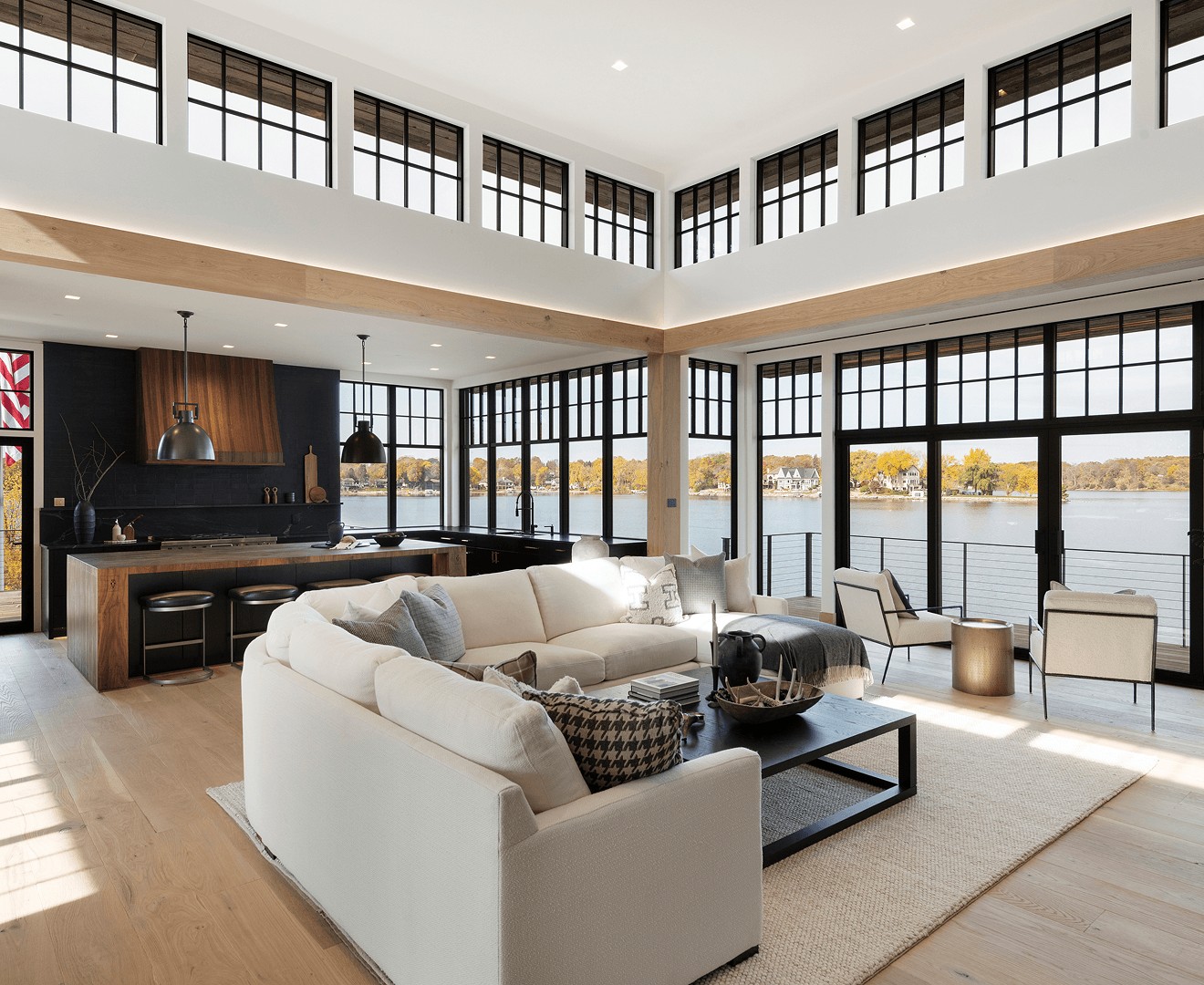
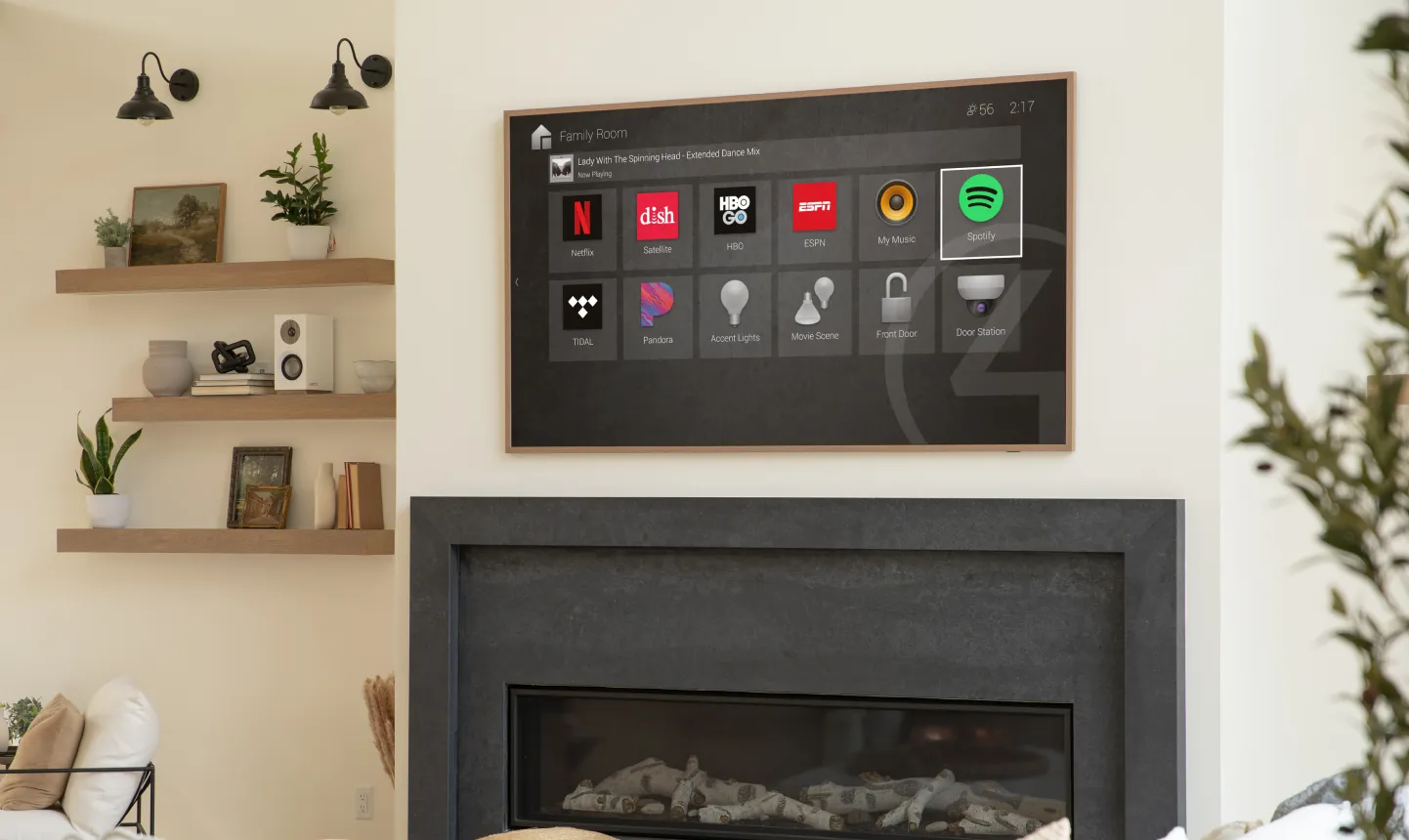
Control4 touch screen in a family room

Smart Home Automation

Lighting, music, climate, shades, security and locks on one Control4 or Crestron system.

One system for the whole house

Many homes have a separate app for the thermostat, the doorbell and the lights, plus several remotes. A home automation system brings these together into one system that is easy for everyone in the house to use.

A controller in your equipment rack talks to the lights, shades, climate, speakers, TVs, locks and cameras. You use it through keypads on the wall, a touch screen, a remote, the app or your voice, and we program it around your routines rather than a factory template.

What it does day to day

Morning

Shades open, the kitchen lights turn on and the heating comes up on a schedule.

Leaving

One button locks the doors, closes the garage, turns off every light and sets the alarm. You can also do this from the app.

Evening

Lights dim to warm levels at sunset. Press “Movie” and the theatre takes over.

Night

“Goodnight” checks every door is locked and turns on a soft path light if anyone gets up.

Away

Lights follow a lived-in pattern. A leak or an open door sends an alert with the camera clip.

Visitors

The doorbell rings on the TV, touch screens and your phone, and you can unlock the door remotely.

Choosing the platform

We are an Authorized Control4 Dealer and a Crestron Elite Dealer. Both are excellent. Here is how we decide which one to recommend.

Control4 touch screen and keypad
Control4

Control4 suits most homes

It brings lighting, music, video, climate and security onto one interface, works with a wide range of equipment you may already own, and is easy to use. It can also be expanded one room at a time.

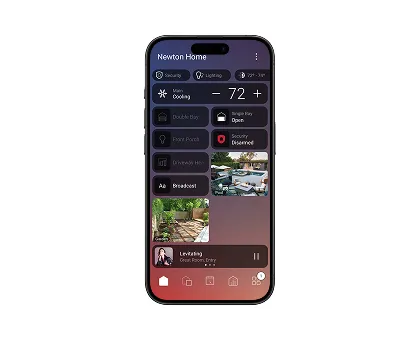
The current software, Control4 X4, has a customisable home screen, routines you can edit yourself and Apple HomeKit integration. The optional Control4 Connect subscription adds remote access, Intercom Anywhere to answer the door from your phone, and Alexa, Siri and Google voice control.

Great room controlled by Crestron Home
Crestron

Crestron for large and custom projects

Crestron is the choice for estates, highly customised homes and properties that also include commercial spaces. Crestron Home gives the same interface on phones, touch screens, remotes and keypads, and scales to very large systems.

Its hardware is a big part of the appeal. Horizon keypads come in brushed brass, dark nickel, dark bronze and brushed black, as well as white and black glass, with custom engraving and backlighting. It is generally the larger investment.

What you touch

The interface is what you live with every day, so we choose it room by room.

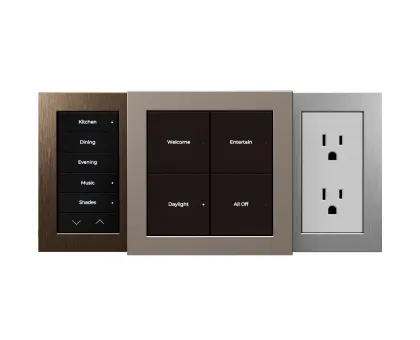
Control4 keypads

Keypads

Engraved buttons by the door for the scenes you use most. The thing people end up using daily.

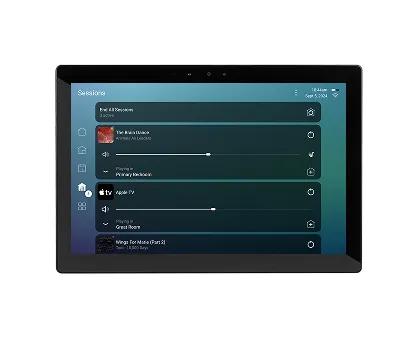
Control4 T4 touch screens

Touch screens

Kitchen and entry panels for cameras, intercom, music and the whole house at a glance.

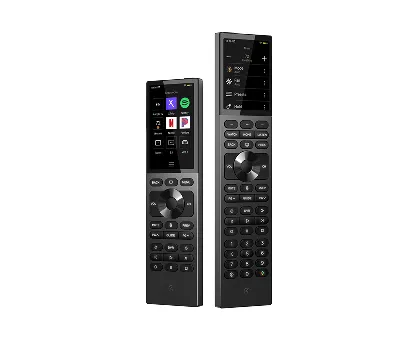
Control4 Halo remotes

Remotes

One remote for the TV, music, lights and shades, with voice built in.

Control4 app

The app

Everything from your phone, at home or away.

New build or existing home

In a new build, we work from your drawings with the builder, architect and electrician. Keypads, speakers, screens and network points are planned before drywall, so nothing ends up where it shouldn’t.

In an existing home, wireless lighting and devices mean very little opening of walls. Most systems start with a few rooms and grow.

Smart home, in detail

The controller and the network

Every Control4 or Crestron home has a controller, a small processor in the equipment rack that runs the system locally. Because it doesn’t depend on the cloud, keypads and remotes respond instantly and keep working if the internet goes down.

The network is the foundation. We prefer wired connections for anything that doesn’t move, such as TVs, controllers and touch screens, and properly placed Wi-Fi access points for everything else. Smart devices get their own network, separate from your computers.

Lighting at the centre

Lighting is the part of a smart home people use most, many times a day, so we put the most thought into it. Keypads go where you naturally reach, with buttons named after what they do: Cooking, Dinner, All Off.

Lighting can run on Control4 or Crestron’s own dimmers, or on Lutron systems integrated with them. See lighting and shades for how we choose.

Climate and comfort

Thermostats in each zone run on schedules, drop when the house is set to “Away” and warm up before you get home. Many existing thermostats, such as Ecobee, can often be integrated; we confirm compatibility during design.

Radiant floor heating, gas fireplaces, ventilation, pool and spa equipment can be brought into the same system, so the bathroom floor is warm before your alarm goes off.

Music, TV and the theatre

Whole-home audio puts streaming music in any room from the same keypad or app. TVs share sources from one equipment rack.

One remote runs the TV, the receiver, the lights and the shades. The theatre becomes one button rather than a ten-minute routine. See home theatre.

Security, locks and cameras

Alarm panels, smart locks, cameras and doorbells appear on the same screens and app. Arming the alarm can lock every door and close the garage; disarming at the front door can turn on the entry lights.

Camera views appear on touch screens and TVs, and doorbell calls ring wherever you are. See residential security.

Voice control

Control4 works with Amazon Alexa, Google Assistant and Siri through Control4 Connect. Crestron Home works with Amazon Alexa. Voice is excellent for quick commands such as “turn on the kitchen lights” or “play jazz in the living room”.

We still recommend keypads in the main rooms, because guests and older family members can use a labelled button without learning a phrase.

Programming

Two homes with identical equipment can feel completely different to live in. The difference is programming: how scenes are built, what buttons do, how the app is laid out and what happens automatically.

We start by asking how each room is used and who lives in the house, then program around that. A few weeks after handover we come back to adjust what you would like to work differently.

Starting small and growing

You don’t have to automate the whole house at once. Many clients start with the main floor: lighting scenes, music and the TV. Bedrooms, shades, exterior lighting and security get added later.

Because everything runs on one controller, each addition appears in the same app and on the same keypads.

Questions we are asked

Does it still work when the internet is down?

Yes. The controller runs locally, so keypads, remotes and touch screens keep working. Remote access, streaming and voice assistants return when the internet does.

Can I keep my existing thermostat, speakers or smart locks?

Usually. Both platforms integrate with a large range of third-party devices. We check every device during design and tell you what will and won’t work.

We have a system from another installer. Can you take it over?

Yes. We service and expand Control4 and Crestron systems installed by others. Access to the original project file makes it faster; without it, we plan a reprogram.

Is there a monthly fee?

Not required. Control4 Connect is an optional subscription for remote access and some features. We explain what it includes before you decide.

Planning a smart home?

Tell us about the house, or send drawings for a new build.

Plan Your Smart Home